 Multi Location
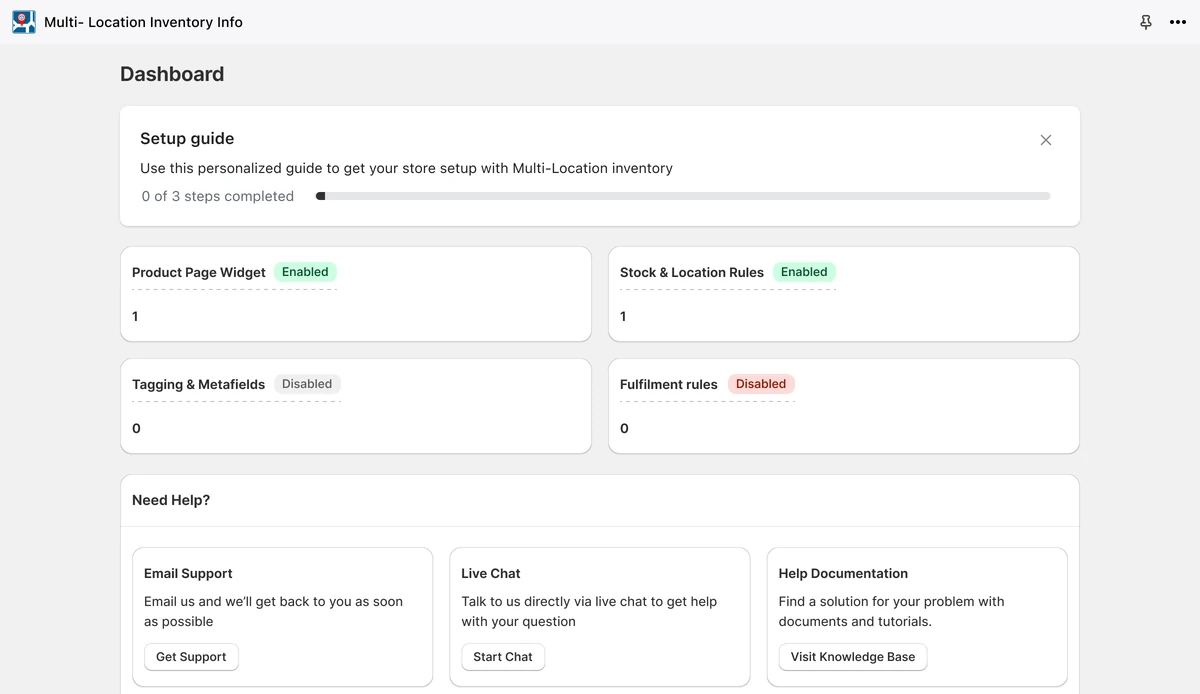
Redesigned a multi-location inventory app for Shopify: a guided setup, a dashboard that shows what's on, and fulfilment rules merchants can read at a glance.

Challenge
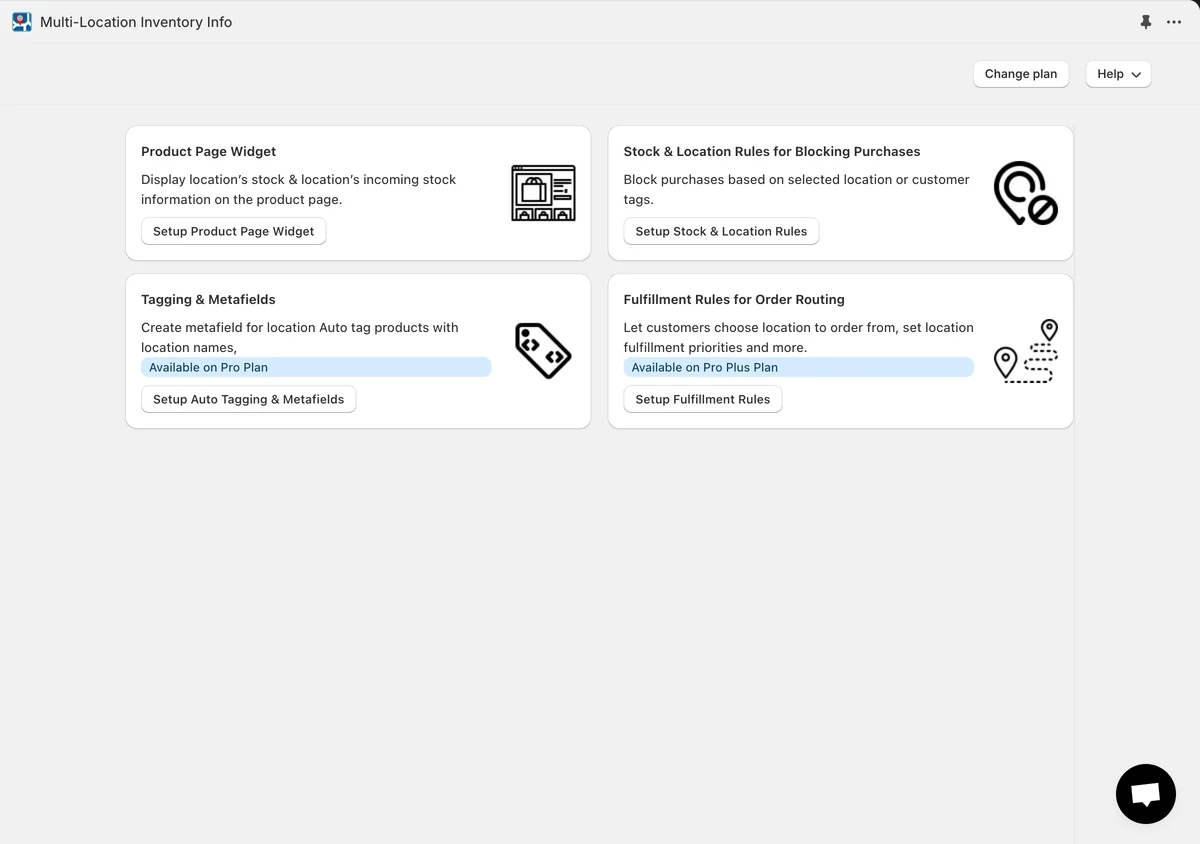
Multi Location helps Shopify merchants who sell from more than one location. It shows stock by location on product pages, blocks purchases by location or customer tag, tags products with their locations and routes orders to the right location. The features were all there, but the app didn't walk merchants through them:
- Setup was spread across separate pages, with no guided path from install to a live widget
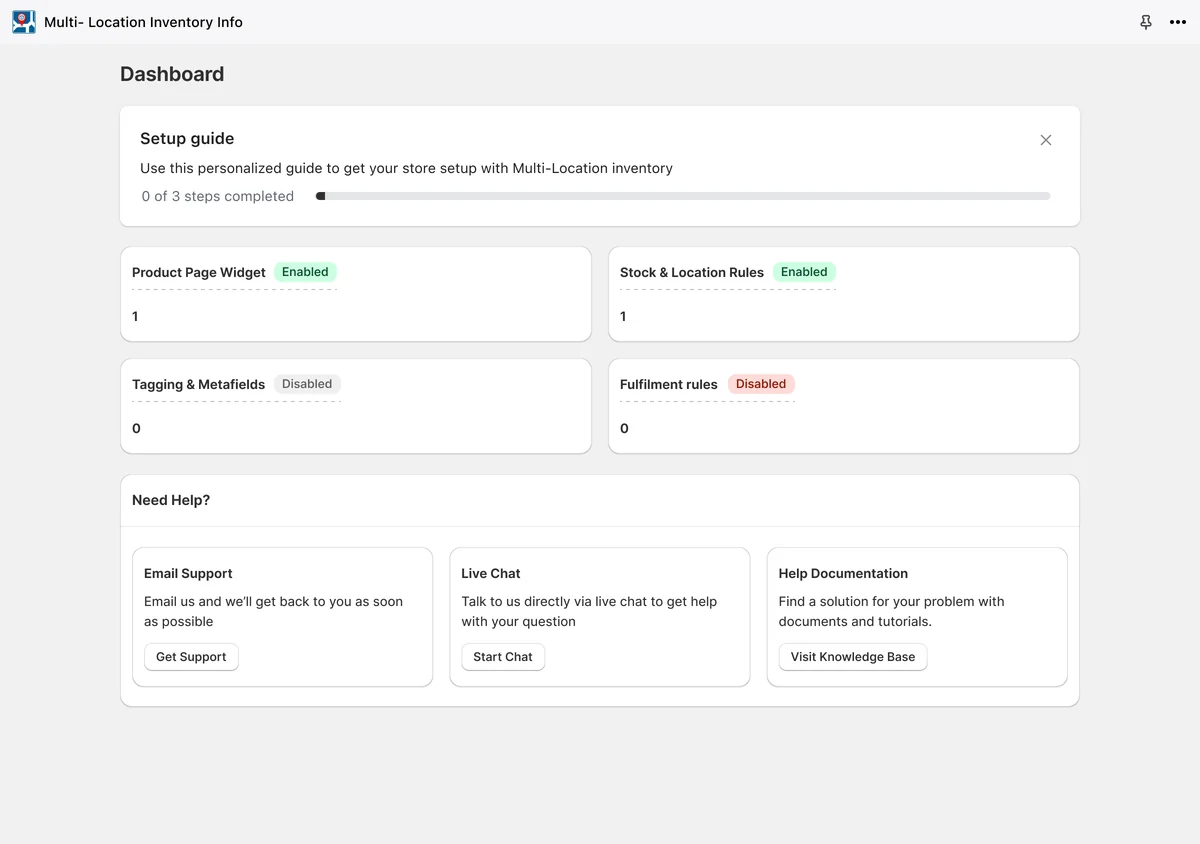
- The dashboard listed the features but not whether they were on
- The product page widget was one long form under a row of settings tabs
- Fulfilment rules were a single dropdown, behind an upgrade notice
The team needed a redesign that gets merchants from install to a live widget quickly and makes every rule easy to understand.
Phase 1: Audit
Audit: Documented every screen of the existing app, from the dashboard to plans and help
User flows: Mapped how merchants set up the widget, the stock & location rules and the fulfilment rules
Phase 2: Directions
Directions: Explored up to three directions for the fulfilment rules and the stock & location rules, and refined the onboarding after feedback
Phase 3: Design
Design: Designed a four-step setup guide, a dashboard that shows which features are on, the widget's settings as General and Settings tabs, and every empty, disabled and upgrade state in Polaris.
Illustrations: Drew the illustrations for the fulfilment rules and the icons for the widget's tabs.
Order routing
Fulfilment Rules
You can select only 1 rule at a time
- Enable location selection on product pages. Use this option to enable location selection on product pages.
- Fulfill based on country stock & location rules. Use this option to allocate orders as per the rules defined under Country Rules tab on Stock & Location Rules page.
- Fulfill based on customer tag rules
- Fulfill based on location priority

App illustrations
Drawn for the app's fulfilment rules, stock & location rules and tagging.

-

Fulfilment rules
Enable location selection on product pages
-
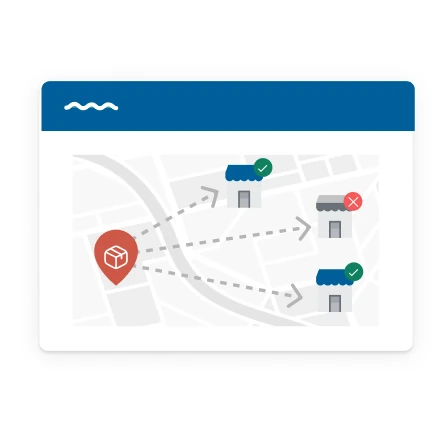
Fulfilment rules
Fulfill based on country stock & location rules
-

Fulfilment rules
Fulfill based on customer tag rules
-

Fulfilment rules
Fulfill based on location priority
-

Stock & location rules
Create your first Rule type
-

Auto-tagging & metafields
Custom metafield filtering
The widget's tabs
Icons for the product page widget's nine tabs, with illustrated versions for its three widgets.
General
-

 Inventory Info
 -
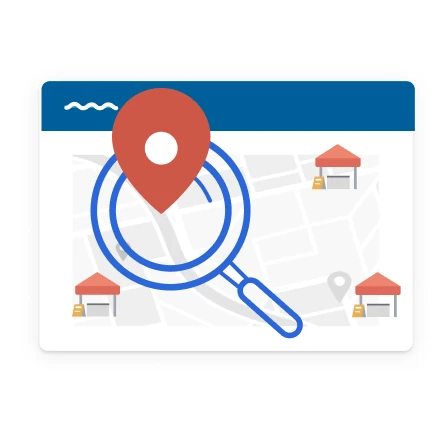
 Geolocation Search
 -

 Incoming Inventory
Settings
-

Text
-

Styles
-

Advanced settings
-

Location
-

Cache
-

Collections
Before and after
 Booster SEO